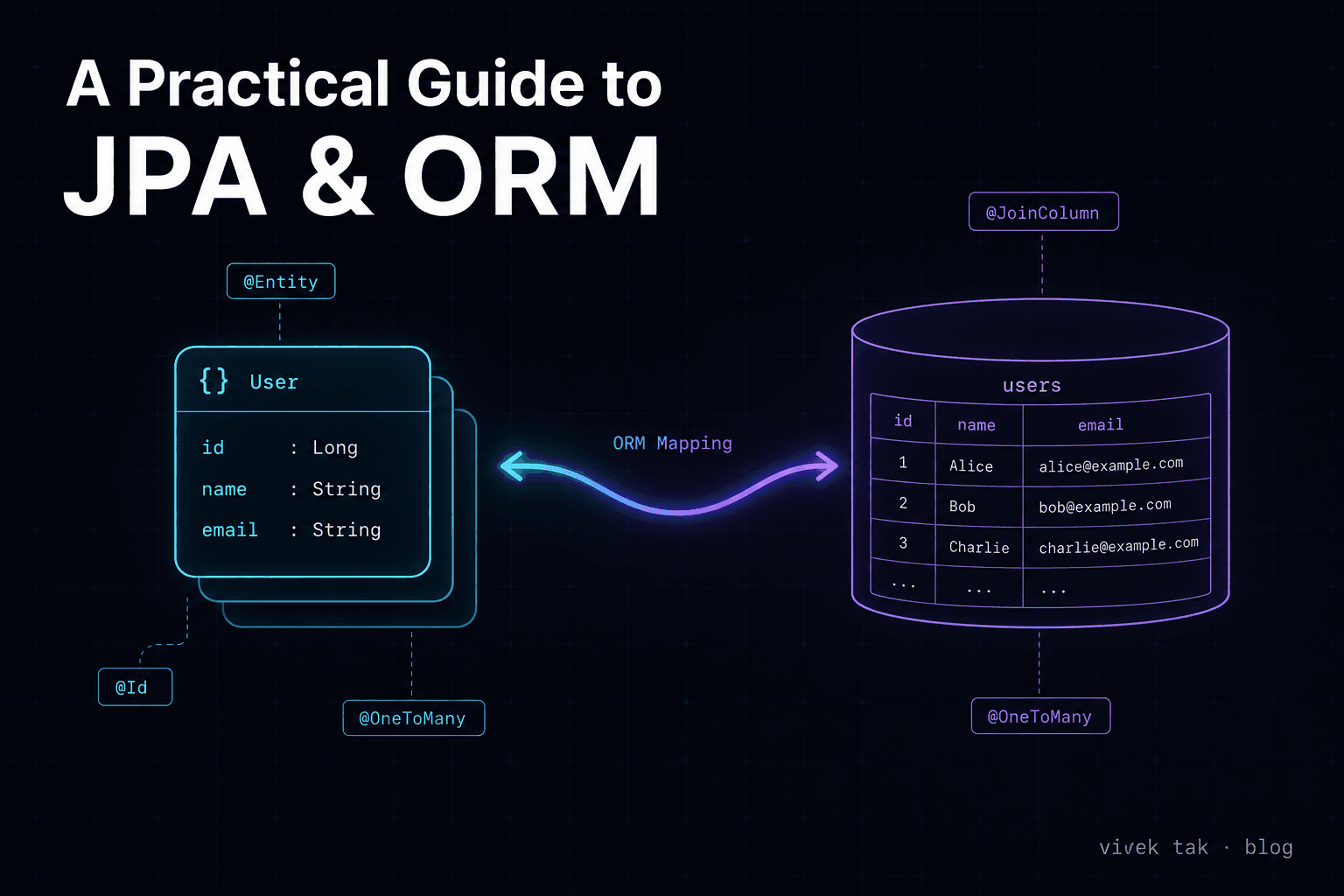
It's impossible to think of any real-time scenario of enterprise software or a product where there is no data involved. As the world generates billions of TBs of data every second, the need for efficient data management is paramount for building robust and scalable applications. The Java Persistence API (JPA) is a key player in this domain — it simplifies the process of mapping Java objects to relational database tables and handling transactions. In this comprehensive guide, I'll explore JPA and Object-Relational Mapping (ORM) in detail, covering best practices along with in-depth discussions on managing string data, transactional handling, and various ORM mapping methods.
And if you stay with me till the very end, you get two additional topics covered. So let's dive in.
Introduction to JPA and ORM
The Java Persistence API (JPA) is a specification for object-relational mapping (ORM) in Java applications. ORM is a technique that lets developers map Java objects to relational database tables, simplifying data access and manipulation. JPA provides a standardized approach to this mapping, letting developers focus on business logic rather than database interactions.
Core Concepts
- Entities: Java classes annotated with
@Entitythat represent database tables. - Entity Manager: A class responsible for managing the lifecycle of entities and handling CRUD operations.
- Persistence Context: A context that holds a set of managed entity instances.
Here's a basic example of an entity class:
import javax.persistence.Entity;
import javax.persistence.Id;

@Entity
public class User {
    @Id
    @GeneratedValue(strategy = GenerationType.IDENTITY)
    private Long id;

    @Column(length = 100, nullable = false)
    private String name;

    @Column(length = 500)
    private String email;

    @Lob
    private String postContent;

    // Getters and setters
}
In this example, User is an entity that maps to a database table with columns corresponding to the fields id, name, email, and postContent.
String Data Management in JPA
Managing string data effectively is crucial for applications that handle a variety of textual information. JPA provides several ways to map and manage string data in your entities.
The @Column annotation defines various attributes strings can have. For example, on the name field, the length can be up to 100 characters, and the value can't be null (nullable = false).
Similarly, for storing large amounts of content — such as a 5000-word blog post — we can use the @Lob annotation. It indicates that the field postContent should be treated as a large object, suitable for storing extensive text or binary data.
Encoding and Localization
When dealing with string data, especially in applications that support multiple languages, consider encoding and localization:
- Character Encoding: Ensure that your database and application use consistent character encoding (e.g., UTF-8) to handle special characters and international text correctly.
- Localization: Use libraries or frameworks to manage translations and locale-specific data, ensuring your application can support various languages and formats.
ORM Mapping Methods
Object-Relational Mapping (ORM) is a technique that maps Java objects to relational database tables. JPA offers various methods for mapping entities and managing relationships.
Basic ORM Mapping
@Entity — marks a class as a JPA entity, representing a table in the database.
import javax.persistence.Entity;
import javax.persistence.Id;

@Entity
public class User {
    @Id
    private Long id;
    private String name;
    private String email;

    // Getters and setters
}
@Id — defines the primary key of the entity.
@Id
private Long id;
@Column — maps a field to a database column. It allows customization of column attributes, such as length and nullable constraints.
@Column(length = 100, nullable = false)
private String name;
@Table — customizes the table name and schema for the entity.
@Table(name = "users", schema = "public")
public class User {
    // Fields and methods
}
Relationship Mapping
JPA provides several annotations for defining relationships between entities.
@OneToOne — defines a one-to-one relationship between entities.
import javax.persistence.Entity;
import javax.persistence.Id;
import javax.persistence.OneToOne;

@Entity
public class Person {
    @Id
    private Long id;

    @OneToOne
    private Address address;

    // Getters and setters
}
@OneToMany — defines a one-to-many relationship between entities.
import javax.persistence.Entity;
import javax.persistence.Id;
import javax.persistence.OneToMany;
import java.util.Set;

@Entity
public class Author {
    @Id
    private Long id;

    @OneToMany(mappedBy = "author")
    private Set<Book> books;

    // Getters and setters
}
@ManyToOne — defines a many-to-one relationship between entities.
import javax.persistence.Entity;
import javax.persistence.Id;
import javax.persistence.ManyToOne;

@Entity
public class Book {
    @Id
    private Long id;

    @ManyToOne
    private Author author;

    // Getters and setters
}
@ManyToMany — defines a many-to-many relationship between entities.
import javax.persistence.Entity;
import javax.persistence.Id;
import javax.persistence.ManyToMany;
import java.util.Set;

@Entity
public class Student {
    @Id
    private Long id;

    @ManyToMany
    private Set<Course> courses;

    // Getters and setters
}
Advanced Mapping Techniques
@MappedSuperclass — defines a superclass whose properties are inherited by its subclasses.
import javax.persistence.MappedSuperclass;

@MappedSuperclass
public abstract class BaseEntity {
    private Long id;

    // Common fields and methods
}
@Embeddable — defines a class whose properties can be embedded in other entities.
import javax.persistence.Embeddable;

@Embeddable
public class Address {
    private String street;
    private String city;
    private String zipCode;

    // Getters and setters
}
@Embedded — embeds an @Embeddable class within an entity.
import javax.persistence.Entity;
import javax.persistence.Id;
import javax.persistence.Embedded;

@Entity
public class Customer {
    @Id
    private Long id;

    @Embedded
    private Address address;

    // Getters and setters
}
Customizing ORM Mapping
@AttributeOverride — customizes the mapping of attributes in an embedded class.
import javax.persistence.AttributeOverride;
import javax.persistence.AttributeOverrides;
import javax.persistence.Column;
import javax.persistence.Embeddable;

@Embeddable
public class Address {
    @Column(name = "street_name")
    private String street;

    @Column(name = "city_name")
    private String city;

    @Column(name = "postal_code")
    private String zipCode;

    // Getters and setters
}
@JoinColumn — specifies the column used for joining an entity relationship.
import javax.persistence.Entity;
import javax.persistence.Id;
import javax.persistence.JoinColumn;
import javax.persistence.ManyToOne;

@Entity
public class Order {
    @Id
    private Long id;

    @ManyToOne
    @JoinColumn(name = "customer_id")
    private Customer customer;

    // Getters and setters
}
@JoinTable — customizes the join table for many-to-many relationships.
import javax.persistence.Entity;
import javax.persistence.Id;
import javax.persistence.JoinTable;
import javax.persistence.ManyToMany;
import javax.persistence.JoinColumn;

@Entity
public class Student {
    @Id
    private Long id;

    @ManyToMany
    @JoinTable(name = "student_course",
               joinColumns = @JoinColumn(name = "student_id"),
               inverseJoinColumns = @JoinColumn(name = "course_id"))
    private Set<Course> courses;

    // Getters and setters
}
Managing Unique Records: Primary Key Strategies
The GenerationType enum in JPA provides different strategies for primary keys. They are:
1. AUTO
The GenerationType.AUTO strategy lets JPA decide which of the other three strategies (SEQUENCE, IDENTITY, TABLE) to use.
The main benefit is that it's ideal for getting a beginner-friendly project off the ground quickly. That said, I generally wouldn't recommend it for production — the behavior depends on the underlying provider's choice, and edge cases can produce non-unique keys if things aren't configured carefully.
import javax.persistence.Entity;
import javax.persistence.Id;

@Entity
public class User {
    @Id
    @GeneratedValue(strategy = GenerationType.AUTO)
    private Long id;

    @Column(length = 100, nullable = false)
    private String name;

    @Column(length = 500)
    private String email;

    @Lob
    private String postContent;

    // Getters and setters
}
2. IDENTITY
This is the typical auto-increment strategy for the primary key — the id field is auto-incremented whenever a new entry is inserted. The main use case is when using MySQL as a database (MySQL supports auto-incremental columns natively).
import javax.persistence.Entity;
import javax.persistence.Id;

@Entity
public class User {
    @Id
    @GeneratedValue(strategy = GenerationType.IDENTITY)
    private Long id;

    @Column(length = 100, nullable = false)
    private String name;

    @Column(length = 500)
    private String email;

    @Lob
    private String postContent;

    // Getters and setters
}
3. SEQUENCE
This is the most commonly used strategy in production because sequences are the standard way to generate unique values in many RDBMSs. In the example below, the generator is my_seq and the @SequenceGenerator annotation maps it to the my_sequence object in the database.
It requires a sequence object to be defined in the database.
@Id
@GeneratedValue(strategy = GenerationType.SEQUENCE, generator = "my_seq")
@SequenceGenerator(name = "my_seq", sequenceName = "my_sequence", allocationSize = 1)
private Long id;
4. TABLE
This strategy works across all databases but is slower than the others because it maintains its own bookkeeping table.
@Id
@GeneratedValue(strategy = GenerationType.TABLE, generator = "my_table_gen")
@TableGenerator(name = "my_table_gen", table = "my_table", pkColumnName = "gen_name", valueColumnName = "gen_value", pkColumnValue = "id_gen", allocationSize = 1)
private Long id;
Transactional Management in JPA
Transactions are essential for maintaining data integrity and consistency. JPA provides mechanisms for managing transactions, both programmatically and declaratively.
Declarative Transactions
The @Transactional annotation is used to define transaction boundaries declaratively in a Spring application:
import org.springframework.stereotype.Service;
import org.springframework.transaction.annotation.Transactional;

@Service
public class OrderService {

    @Transactional
    public void placeOrder(Order order) {
        // Business logic for placing an order
    }
}
In this example, the placeOrder method is executed within a transactional context. If an exception occurs, the transaction is automatically rolled back.
Programmatic Transactions
For more control over transactions, you can manage them programmatically using the JPA EntityTransaction:
import javax.persistence.EntityManager;
import javax.persistence.EntityTransaction;

public class OrderService {

    private EntityManager entityManager;

    public OrderService(EntityManager entityManager) {
        this.entityManager = entityManager;
    }

    public void placeOrder(Order order) {
        EntityTransaction transaction = entityManager.getTransaction();
        try {
            transaction.begin();
            // Business logic for placing an order
            transaction.commit();
        } catch (Exception e) {
            transaction.rollback();
            throw e;
        }
    }
}
Programmatic transactions provide finer control but require manual management of transaction boundaries and exception handling.
💡 Declarative: All the logic for beginning, committing, closing, and rolling back transactions is handled by the Spring framework itself.
💡 Programmatic: Developers explicitly handle the logic of transaction management and its lifecycle.
Transactional Attributes
JPA and Spring support various transactional attributes to customize transaction behavior:
- Isolation Levels: Define the level of isolation between transactions (e.g.,
READ_COMMITTED,SERIALIZABLE). - Propagation Types: Specify how transactions are propagated (e.g.,
REQUIRED,REQUIRES_NEW).
More detail: Transactional attributes come in handy for customizing transaction behavior — specifically isolation levels and propagation types. They help ensure data integrity and consistency while optimizing performance based on the requirements of your application.
Lazy Loading of Beans
Lazy loading defers the initialization of a bean or entity until it is actually needed. This can improve application performance by reducing unnecessary database access and resource usage.
Lazy Loading with JPA
In JPA, lazy loading is often used with associations between entities:
import javax.persistence.Entity;
import javax.persistence.Id;
import javax.persistence.OneToMany;
import javax.persistence.FetchType;
import java.util.Set;

@Entity
public class Customer {
    @Id
    private Long id;

    @OneToMany(fetch = FetchType.LAZY, mappedBy = "customer")
    private Set<Order> orders;

    // Getters and setters
}
In this example, the orders collection is loaded lazily — it is only fetched from the database when accessed for the first time.
Managing Lazy Loading
While lazy loading can optimize performance, it also introduces challenges:
- LazyInitializationException: Occurs if the session is closed before the lazy-loaded data is accessed. Keep the session open, or use techniques like fetch joins.
- N+1 Select Problem: This issue arises when accessing a collection of entities lazily, resulting in one query per entity. Use fetch joins or batch fetching to mitigate it.
Alternative Strategies
Eager Loading — fetches associated entities immediately with the initial query. Use with caution; overusing it can hurt performance.
@OneToMany(fetch = FetchType.EAGER, mappedBy = "customer")
private Set<Order> orders;
Batch Fetching — retrieves multiple entities in a single query, reducing database round-trips.
@BatchSize(size = 10)
@OneToMany(fetch = FetchType.LAZY, mappedBy = "customer")
private Set<Order> orders;
Best Practices for the Coding Wizard in You
Optimizing Performance
- Use indexes: Ensure that database indexes are applied to columns frequently used in queries to improve performance.
- Optimize fetch strategies: Choose between eager and lazy loading based on your application's needs. Avoid eager loading for collections that aren't always required.
- Monitor SQL queries: Use logging and profiling tools to inspect the SQL that JPA generates and reduce overhead.
Managing Transactions Effectively
- Define transaction boundaries clearly: Well-defined boundaries prevent partial updates and inconsistent states.
- Handle exceptions gracefully: Ensure exceptions roll back transactions to maintain data consistency.
- Use appropriate isolation levels: Match isolation to your application's consistency and concurrency needs.
Efficient Data Access
- Batch processing: Handle large volumes of data efficiently by batching writes, reducing round-trips.
- Caching: Use a second-level cache (Ehcache, Redis) to cut down on repeated queries.
Advanced Topics
Customizing Queries
JPA allows for advanced querying using JPQL (Java Persistence Query Language) and the Criteria API.
JPQL — a powerful query language for JPA entities that resembles SQL but operates on entities and their attributes.
@Query("SELECT u FROM User u WHERE u.email = :email")
User findByEmail(@Param("email") String email);
Criteria API — a type-safe way to build queries programmatically.
CriteriaBuilder cb = entityManager.getCriteriaBuilder();
CriteriaQuery<User> query = cb.createQuery(User.class);
Root<User> user = query.from(User.class);
query.select(user).where(cb.equal(user.get("email"), email));
TypedQuery<User> typedQuery = entityManager.createQuery(query);
User result = typedQuery.getSingleResult();
Database Schema Management
Managing the database schema efficiently is crucial for application development.
Schema Generation — use JPA properties to control schema generation during development.
spring.jpa.hibernate.ddl-auto=updateDatabase Migration — use tools like Flyway or Liquibase for versioned database migrations, ensuring schema changes are applied consistently across environments.
Handling Large Datasets
When working with large datasets, consider these strategies:
Pagination — retrieve data in chunks to reduce memory consumption and improve performance.
@Query("SELECT u FROM User u")
List<User> findUsers(Pageable pageable);
Streaming — for extremely large result sets, stream the data instead of loading everything into memory.
@Query("SELECT u FROM User u")
Stream<User> streamAllUsers();
Integration with Other Frameworks
JPA can be integrated with various other frameworks and tools:
- Spring Data JPA: Provides additional features and abstractions for working with JPA, simplifying data access and repository management.
- Hibernate: A popular JPA implementation that offers advanced features like caching, lazy loading, and query optimization.
- Microservices: Use JPA in microservices architectures, ensuring proper transaction management and data consistency across services.
On the ending note
Please feel free to share your thoughts on what topic I should cover next. I'm just trying to learn every day and put out valuable content.
— Vivek Tak